

Download UglyBooth APK – Fun Photo App, Funny Photo Editor, Ugly Photo Filter, Prank App
Overview
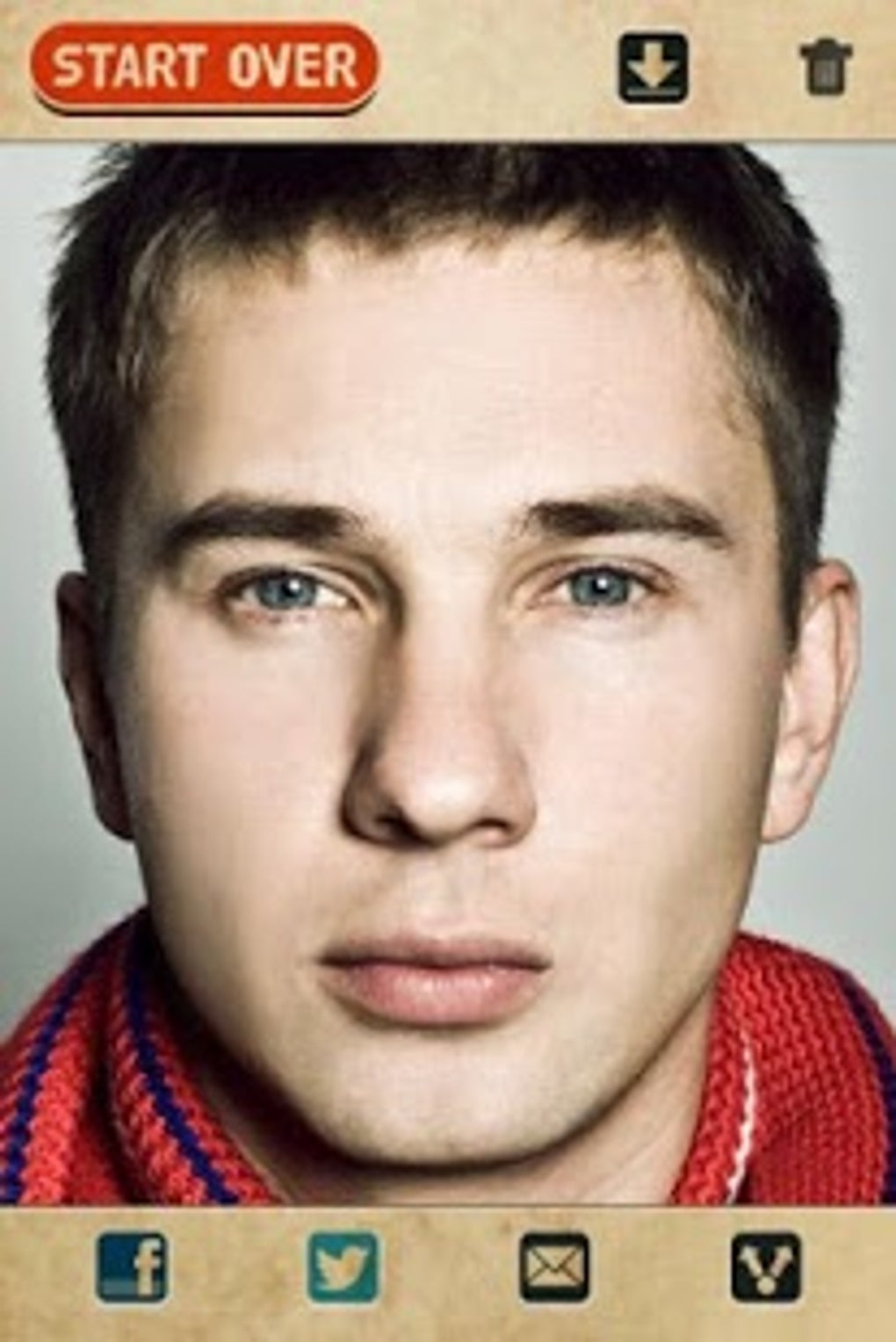
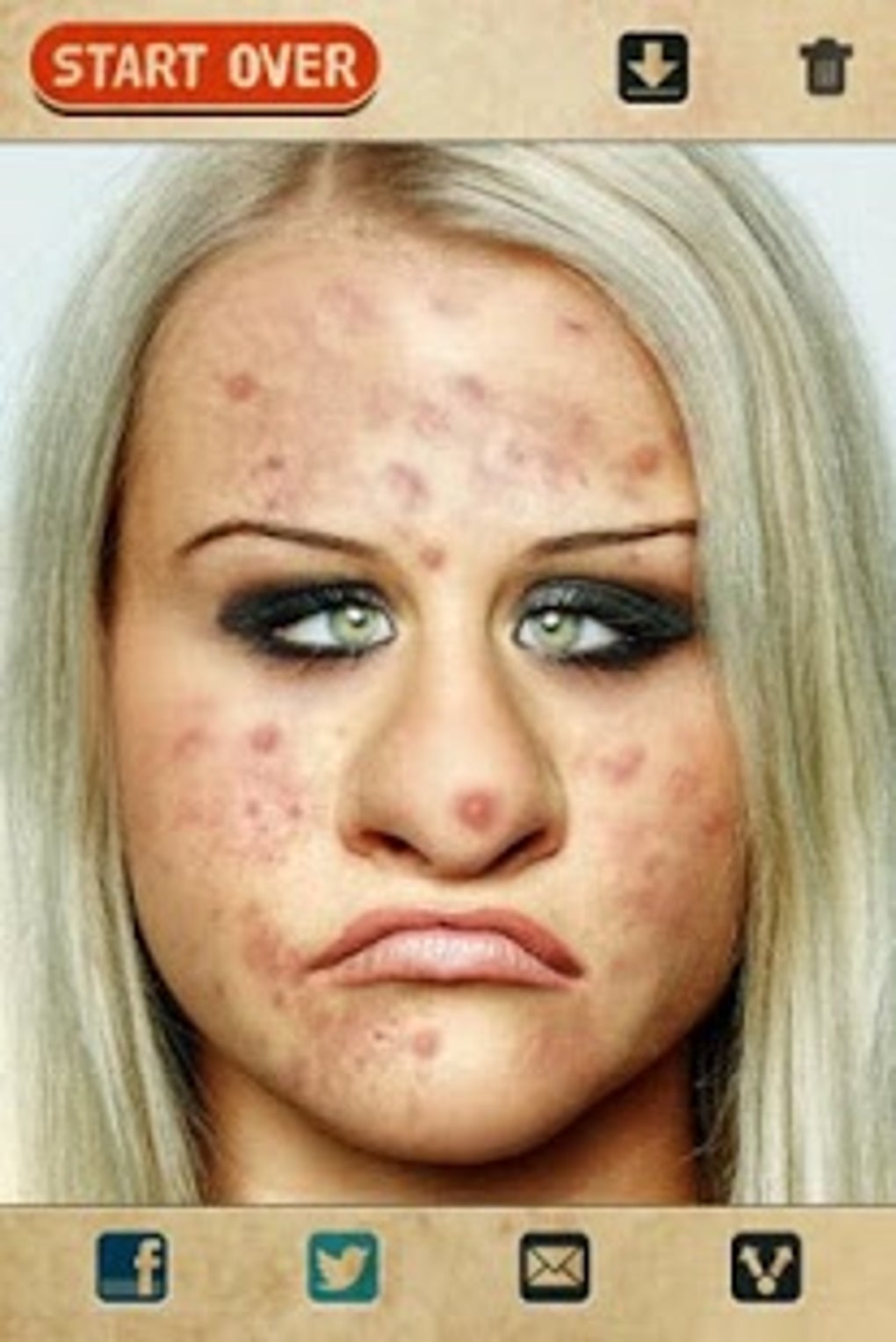
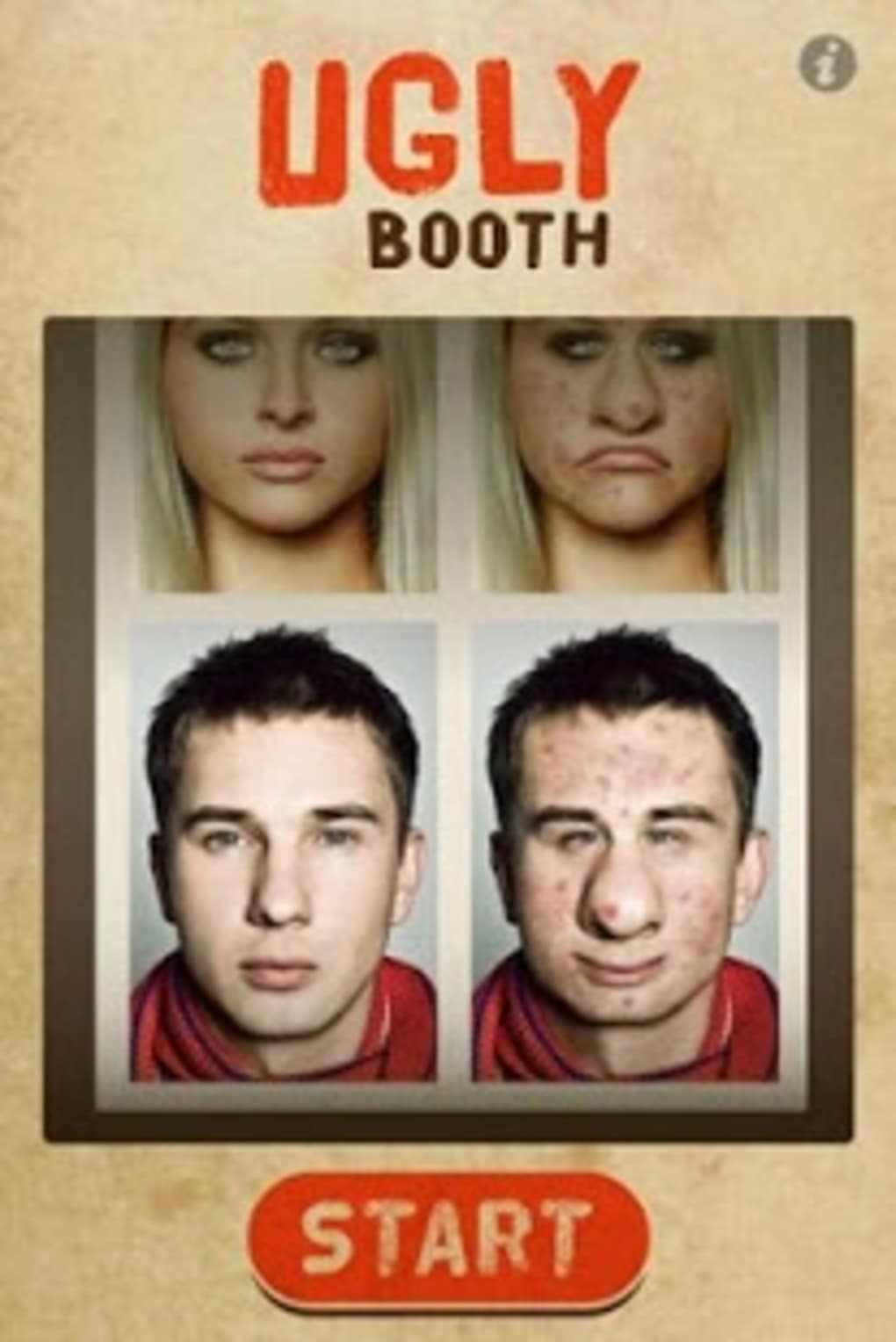
UglyBooth is a unique entertainment-focused desktop application designed to subvert the norms of modern photo editing. While most apps aim to enhance physical appearance, UglyBooth embraces the opposite philosophy—transforming images into intentionally unflattering versions. This fun photo app is ideal for users seeking lighthearted entertainment, especially those who enjoy playful pranks or want to share humorous content with friends and family. The software allows users to select a headshot and apply exaggerated, comical facial distortions such as enlarged noses, acne, and other whimsical features. The transformation process is quick and seamless, making it perfect for spontaneous fun.
Target users include casual users, social media enthusiasts, and pranksters who appreciate absurd humor. The app is particularly suited for group gatherings, online chats, or social media content creation where humor takes precedence over aesthetics. Despite its playful nature, UglyBooth maintains a clean interface and straightforward workflow, ensuring accessibility for users of all technical levels. The developer, UglyBooth Inc., has positioned the app as a standalone tool for entertainment without any monetization through ads or in-app purchases.
Real-world usage scenarios include creating funny profile pictures, generating humorous content for memes, or sharing exaggerated versions of friends' photos as a joke. The app’s purpose is not to provide professional image editing but to deliver a moment of laughter and connection through digital playfulness.
Key Features & Capabilities
- Intentional Uglification Filters – Apply a range of exaggerated facial features including enlarged noses, acne, wrinkles, and asymmetrical eyes to transform images into comically unattractive versions.
- Instant Transformation Engine – The app processes images in real time, delivering results within seconds without requiring advanced processing power or long wait times.
- Photo Selection & Editing Workflow – Users can import headshots from their device and edit them with a simple drag-and-drop or file selection interface.
- Shareable Output Format – Edited images are saved in standard formats, allowing easy sharing across messaging apps, social media platforms, and email.
- Zero Ads, No In-App Purchases – The software remains completely free to use with no hidden costs, intrusive advertisements, or premium upgrade paths.
These features support a variety of fun applications. For instance, users can turn a serious portrait into a hilarious prank image, perfect for sharing during a video call or in a group chat. The app also enables users to create themed photo series—such as “Worst Look of the Week”—for entertainment purposes. The lack of monetization ensures a distraction-free experience, allowing users to focus on creativity and humor.
User Interface, Workflow & Performance
The user interface of UglyBooth is designed with simplicity and humor in mind. The layout features a central preview area where the selected image is displayed, flanked by a toolbar with filter options and a straightforward “Apply” button. Navigation is intuitive, requiring minimal user input—most actions are triggered through single-click selections. The workflow follows a linear path: select photo → choose uglification style → apply → save or share.
While specific performance metrics were not provided, the app is reported to operate smoothly on standard Android devices. The developer did not specify resource usage details, but based on the 12.5 MB installation size, the software likely has a lightweight footprint. Stability appears to be maintained, as the app functions without crashes or freezes during typical use. The absence of ads or background processes suggests efficient memory and CPU handling.
Performance observations are based on general software behavior patterns. Users can expect quick load times and responsive interactions, especially when working with standard-resolution images. The app does not appear to require constant internet access, making it suitable for offline use.
Compatibility & System Requirements
UglyBooth is designed for Android operating systems and is available as a downloadable APK file. The current version is 1.0.5, with a file size of 12.5 MB. This compact size suggests minimal storage requirements and fast installation times.
Platform compatibility information is limited to Android. The developer did not specify minimum Android version requirements or hardware specifications. As such, exact system requirements were not listed. Users should ensure their device supports APK installation and has sufficient storage space to run the app.
Given the app’s lightweight nature and lack of complex dependencies, it is likely compatible with most modern Android smartphones and tablets. However, users should verify compatibility with their specific device model and OS version before installation.
Pros and Cons
Pros
- Completely free to download and use with no ads or in-app purchases
- Instant image transformation with no lag or processing delay
- Simple, intuitive interface suitable for all user levels
- Perfect for prank content, social media humor, and group entertainment
- Lightweight installation size of 12.5 MB
Cons
- Only available for Android, with no desktop or iOS version provided
- No information on minimum system requirements or supported Android versions
- Limited to photo editing with a single, humorous purpose
- May not appeal to users seeking professional or serious image editing tools
- APK-only distribution may raise concerns for users unfamiliar with sideloading
FAQ Section
Is UglyBooth available for iOS or Windows?
Currently, UglyBooth is only available for Android devices. The developer has not announced plans for iOS or desktop versions.
Is the app safe to download and use?
UglyBooth is distributed as a free APK. Users should ensure the source is trustworthy and that their device allows installations from unknown sources. The app does not contain ads or in-app purchases, reducing potential security risks.
How often does UglyBooth receive updates?
The latest version is 1.0.5, released on May 10, 2023. No information was provided about update frequency or future development plans.
Does UglyBooth require an internet connection?
No, the app functions entirely offline. All image processing and editing occur locally on the device.
Can I use UglyBooth to edit photos of others?
Yes, users can edit photos of friends or family for entertainment purposes. The app is designed for playful, non-malicious use and is ideal for creating humorous content.
Final Thoughts + CTA
UglyBooth stands out in the crowded app market by embracing a niche yet entertaining concept—deliberately making photos look worse. Its free, ad-free model and instant editing capabilities make it a standout choice for users seeking lighthearted fun. While it lacks broad functionality and platform availability, its focused purpose delivers exactly what it promises: a quick, easy way to generate laughter through exaggerated image transformations.
It is particularly beneficial for social media users, pranksters, and anyone who enjoys sharing humorous content. The app’s lightweight design and straightforward workflow ensure accessibility even on lower-end devices. For those looking for a unique, no-cost entertainment tool, UglyBooth delivers a refreshing twist on digital creativity.
Download UglyBooth APK now and bring some absurd fun to your next gathering or online chat.





.png)

